
You've been cricketed!
Someone hid this little gadget to chirp, buzz and play sounds at random. Nothing is broken.
To quiet it
Plug it into a USB wall charger and leave it there.
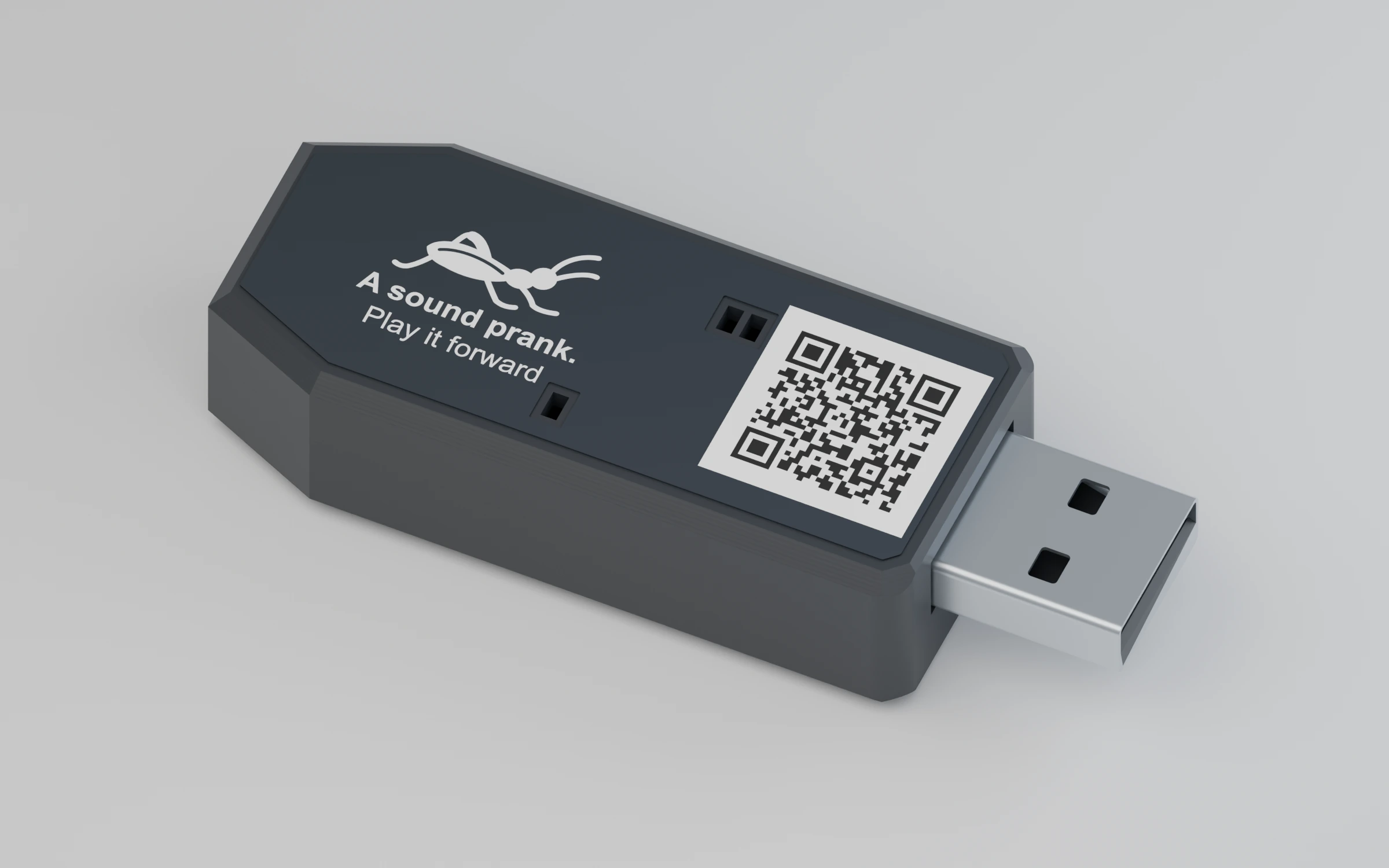 Want your own? ↓
 Quiet, off, or passed on
Quiet while plugged in
It stays silent as long as it is connected. After you unplug it, it waits about an hour before it plays again.
Off for good
Plug it in 4 times within 10 seconds (see the diagram below). The blue light stays on for 2 seconds; after that it sleeps until it is plugged in again.
Or play it forward
Set it up below and hide it for someone else.
Play it forward
-
Charge
Plug it into a standard 5 V USB-A charger or computer port. Red light: charging. Green: full. A new Cricket arrives asleep; this wakes it.
-
Set it (optional)
Plug in and pull out quickly, pausing about half a second each time, then leave it plugged in. The blue light blinks the new setting.
-
Hide it
Unplug it and hide it. It starts about an hour later, then plays at random around the gap you chose.
2 plugs: next sound
3 plugs: next timing
4 plugs: off
Sounds
| Blinks | Sound |
|---|---|
| 1 | ChaosRandom animal voices, sound effects, short tunes and buzzing. |
| 2 | Field cricketThe classic backyard chirp. |
| 3 | Snowy tree cricketSoft, even chirping. |
| 4 | House cricketQuick, sharp chirps. |
| 5 | KatydidA raspy “ka-ty-did”. |
Timing
| Blinks | Average gap |
|---|---|
| 1 | 15 minutes |
| 2 | 45 minutes |
| 3 | 2 hours |
| 4 | 4 hours |
Each round moves to the next setting and wraps around. Settings are kept even if the battery runs flat.
Want your own?
Rechargeable, five sounds, designed and assembled in the USA.
Good to know
- USB
- Power only. The data wires are not connected, so it cannot store files and a computer does not see it.
- Battery
- 3.7 V, 100 mAh rechargeable lithium-polymer. When it runs low, the Cricket goes quiet until charged.
- Cricket sounds
- Chirp faster when warm and stay silent below 55 °F (13 °C).
- Lights
- It never lights up while playing a sound.
- Hardware
- Cricket 008, piezo speaker and vibration motor, no buttons.
Troubleshooting
- No blinking after setting it
- Go a little slower, finish within 10 seconds, and leave it plugged in after the last plug.
- Wrong number of blinks
- Do it again; each round moves one setting forward.
- It never makes a sound
- Plug it in once to wake it, charge it, and keep it somewhere above 55 °F if it is on a cricket sound.
- No light when plugged in
- Try another charger or port. If there is still nothing, contact us.
Safety
- Lithium battery: do not crush, open or heat it, or leave it in a hot car. Unplug and stop using it if it gets hot, swells or smells.
- Charge only from a standard 5 V USB-A charger or port.
- Not a toy. Keep it away from young children and pets.
- Prank kindly: do not hide it where it could be mistaken for a real alarm.
- Recycle it at a battery drop-off, not in household trash.
Designed and assembled in the USA by EmbeddedEra LLC, Clayton, North Carolina.
How was your Cricket?
Two taps and you are done. We read every answer and use it to make the next Cricket better.