
Un panel de pared para controlar toda la casa
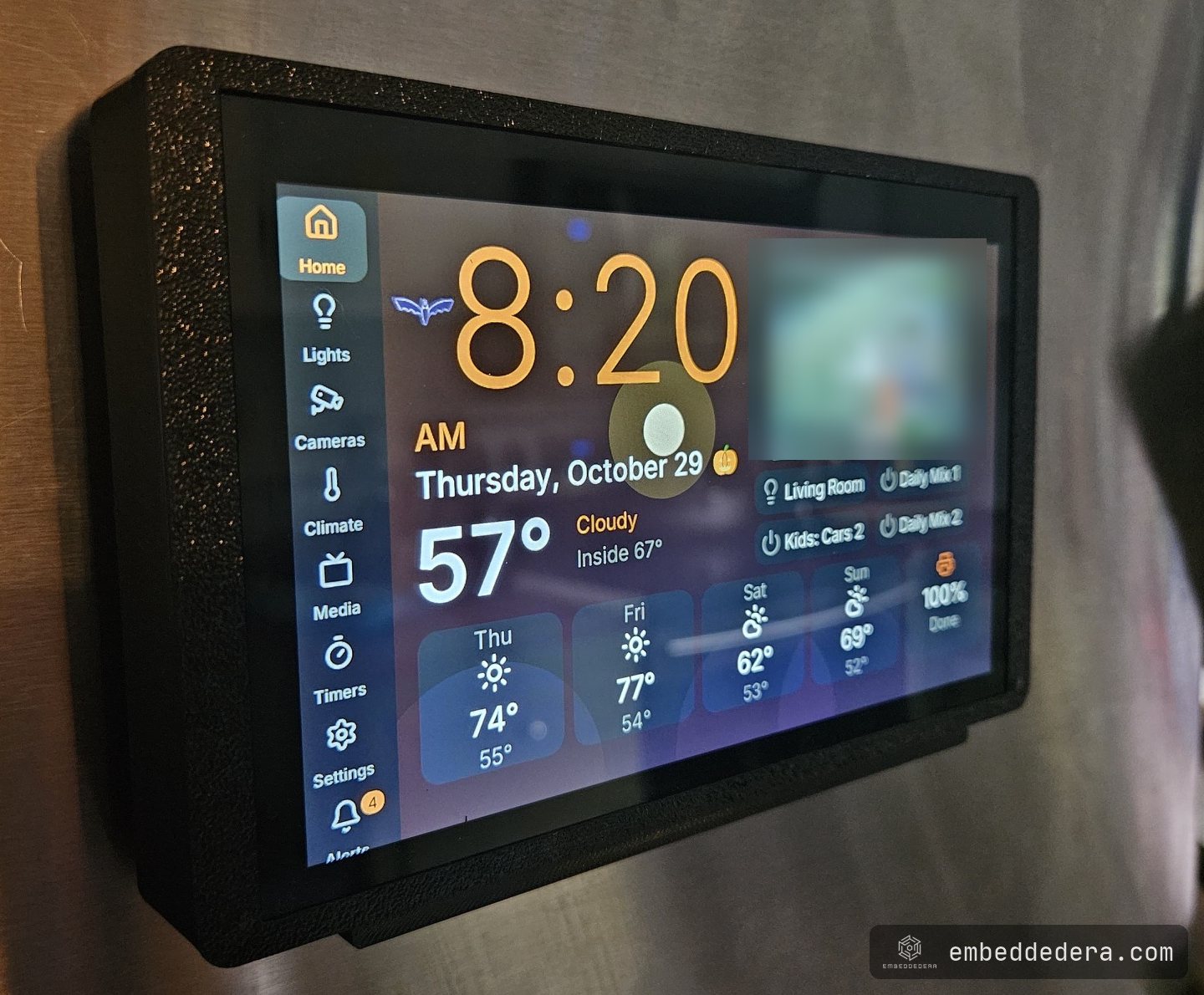
Panel táctil ESP32-P4 de 7 pulgadas que controla la casa con Home Assistant: luces, clima, medios, cámaras y voz local. Imagen de cámara de 1,27 s a 22 ms.
- Role
- Firmware, integration, enclosure, test tooling — R&D project
- Period
- Oct 2026
- Stack
- ESP32-P4, ESPHome, LVGL, C++, Home Assistant, 3D printing
Problem
A house collects controls one app at a time: lights in one, the thermostat in another, TVs and speakers in three more, cameras in two. Each works. None of them is where you are standing when your hands are full in the kitchen.
The brief was one screen on the fridge that runs all of it, answers to voice, shows who is at the door, and keeps the everyday controls working when the internet doesn’t.
Constraints
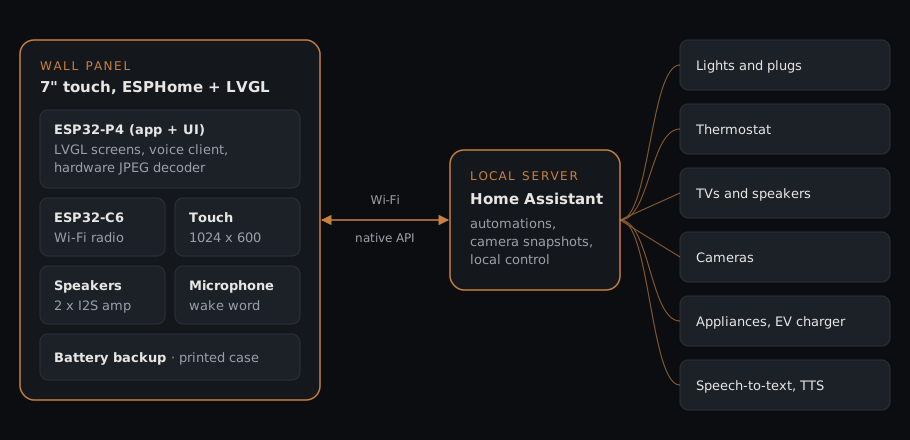
- Off-the-shelf hardware. A bought 7-inch, 1024x600 touch panel with an ESP32-P4 for the application and an ESP32-C6 for Wi-Fi. The work is the firmware, the integration and the enclosure, not a new board.
- Local first. Lights, climate, automations and speech recognition run on a server in the house. No cloud round trip for “turn off the lights”; only services that live in the cloud, like streaming music, need the internet.
- A phone-like feel on a microcontroller. People compare any touchscreen to their phone. A page that stutters when you scroll reads as broken.
- Fixed memory. The P4 has fast internal RAM and slower PSRAM. Where each buffer lands decides the frame rate, and the boot image has a hard ceiling.
- It lifts off the wall. A battery inside, so it can be carried to the table and put back.
What we built
Firmware. ESPHome with LVGL for the screens, plus our own C++ where YAML ran out: page navigation, a layout checker, and a self-test. Pages for the home dashboard (clock, weather, five-day forecast), lights grouped by room, a round thermostat dial, a card per TV and speaker, cameras, timers as rings and a shopping list. What appears on each page is chosen from Settings on the panel, not hard-coded, so adding a lamp doesn’t need a firmware build.
Voice, on the local network. A wake word runs on the panel itself. The spoken command goes to speech-to-text and text-to-speech containers on the server, about 2.5 seconds per command. Timer alarms, doorbell chimes and announcements play through the panel’s own speakers, which are powered only while sound is playing.
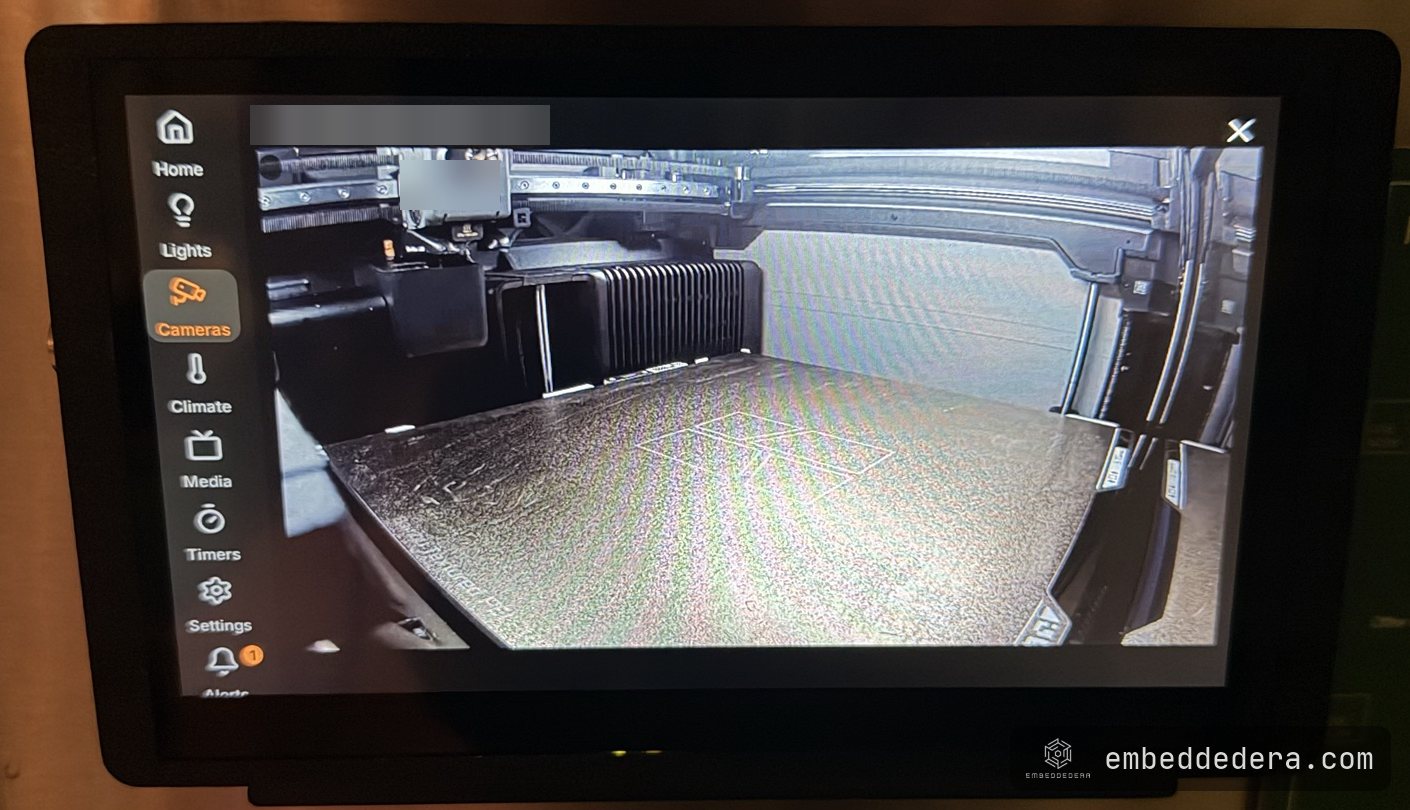
Cameras without video decode. The P4 has no H.264 decoder, so live video was never an option. The panel pulls JPEG snapshots through Home Assistant instead, and a motion event at the front door pops that camera up full screen with a chime.
Two panels, one codebase. The firmware is split into hardware, network, theme and UI packages. A second, 5-inch panel on a nightstand builds from the same source with its own pages.
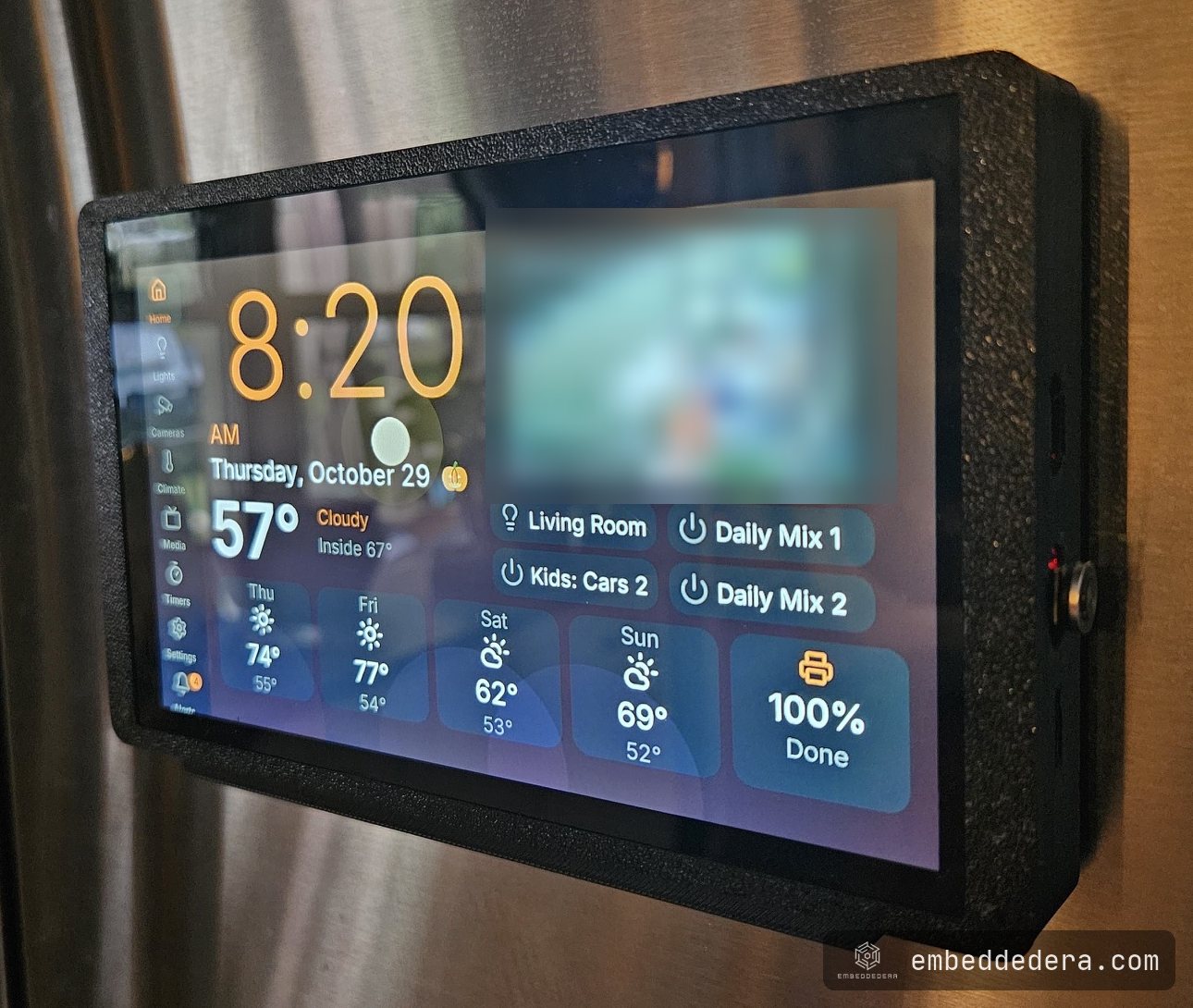
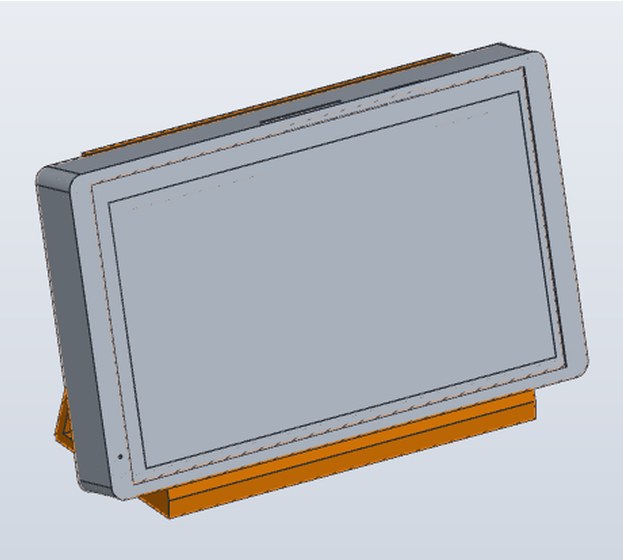
The enclosure. Modelled from the board’s own CAD data, printed in PETG, with the battery inside and both USB-C ports left open. It drops into interchangeable mounts: a magnetic cradle for the fridge, a screwed wooden cradle, portrait versions of both, and a nightstand stand tilted 15°.
What it took
A 1.27-second picture became a 22-millisecond one. ESPHome decodes JPEG in software: 1.27 s per 800x450 snapshot, with the whole interface frozen while it ran. The P4 has a hardware JPEG engine, and no community component used it, so we wrote one. Decode dropped to about 22 ms, a new picture shows every second, and the page stays responsive while it loads.
Scrolling went from 15 to about 30 frames a second, measured, not eyeballed. We built a self-test into the firmware that drives a fake finger across every page, flicks it, waits for the momentum to settle, takes a screenshot and logs frame times. Each change was kept only if the numbers moved:
| Change | Render time per frame | Measured fps |
|---|---|---|
| Starting point: draw buffer in PSRAM | 47.7 ms | 15 |
| Smaller draw buffer, fits in internal RAM | 28.7 ms | 21 |
| Rendering hot paths compiled for speed, in fast memory | 26.2 ms | 22 |
| No main-loop sleep while a finger is down | 24.9 ms | 24–28 |
| Scrolling a page no longer redraws the sidebar | 17.4 ms | 26–36 |
Compiling everything for speed would have overflowed the boot RAM by 5.4 KB, so only the drawing hot paths got it. A second drawing thread was tried and removed after review found a font cache that isn’t thread-safe.
A Wi-Fi setting that didn’t survive a restart. Changing networks from the screen with the framework’s own action looked fine until the next reboot: the new network was saved under a key that boot never reads. We replaced it with our own connect-and-save script, with a 30-second fallback to the old network if the new password is wrong.
Checks a person doesn’t have to do. Every UI change runs a layout check for overlapping widgets, clipped text and low contrast across all 13 colour themes, plus host-side unit tests of the UI logic with the hardware stubbed out.
Why it matters for your product
The same problems show up in any product with a touchscreen: an interface that has to feel smooth on a microcontroller, memory that decides the frame rate, a framework that almost does what you need, and a case that has to fit the board rather than the other way round. If that’s your product, see HMI and touchscreen display development.